 Thriftero
is a marketing tool
Thriftero
is a marketing tool
Marketing Ideas for Event Planners
Practical ways to attract new clients, demonstrate your expertise, grow your audience, and turn interested visitors into leads.
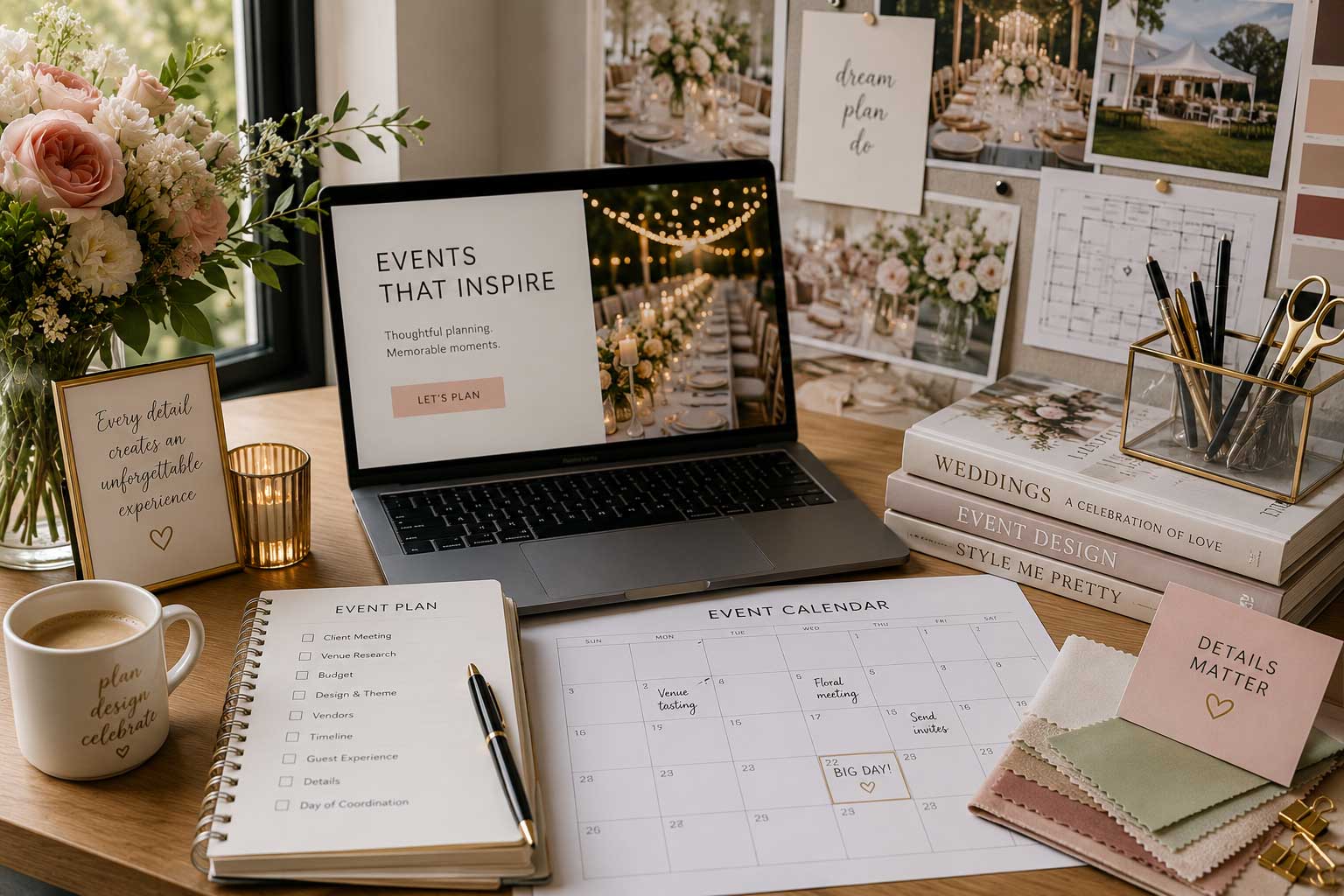
Event planning is a visual and trust-based business. Potential clients want to see your work, understand your process, and feel confident that you can manage an important event.
Marketing does not always require a large discount. You can attract potential clients by offering something useful, such as a checklist, budget template, venue guide, timeline, or consultation.
With Thriftero, you can turn those resources into promotions. A visitor can unlock the benefit by submitting their name and email address through an email gate, or by using a social media promotion instead.
Offer an event planning checklist
A checklist is one of the easiest and most useful resources an event planner can offer. It helps potential clients organize their event while also demonstrating how many details a professional planner considers.
A downloadable PDF covering the venue, guest list, catering, entertainment, decorations, photography, schedule, and final preparations.
Why this works
Someone downloading an event planning checklist is probably preparing an event or considering doing so. That makes the person more relevant than a random social media visitor.
Create an email-gated PDF promotion
- Create your checklist and export it as a PDF.
- Upload the PDF to Google Drive, Dropbox, or your own website.
- Make sure anyone with the link can open or download the file.
- Create a new promotion in Thriftero.
- Enable the email gate.
- Add the public PDF link as the benefit revealed after the visitor submits their name and email address.
- Once the promotion is ready, copy your Thriftero promotion link and share it through Instagram, Facebook, your website, email, paid ads, WhatsApp.
Suggested promotion setup
- Promotion title
- Free Event Planning Checklist
- Visitor action
- Submit their name and email address
- Unlocked benefit
- Public Google Drive, Dropbox, or website PDF link
- Where to share it
- Instagram, Facebook, your website, email, paid ads, WhatsApp.
Offer an event budget template
Budgeting is one of the first challenges clients face. A simple budget template can help them estimate costs and understand how quickly individual event expenses can add up.
A printable PDF or editable spreadsheet with categories for the venue, food, entertainment, decorations, rentals, photography, staffing, transportation, and additional expenses.
Why this works
A useful budget template can introduce your business before the potential client is ready to hire someone. It also creates an opportunity to remain in contact while the event is still being planned.
Unlock a downloadable or editable template
- Create the template as a PDF, Excel file, or Google Sheet.
- If you use Google Sheets, create a clean master version that visitors can copy.
- Set the sharing permissions so visitors can view the template without requesting access.
- Create an email-gated promotion in Thriftero.
- Add the template link as the unlocked benefit.
- Explain that visitors should make their own copy before editing the document.
- Once the promotion is ready, copy your Thriftero promotion link and share it through Instagram, Facebook, your website, email, paid ads, WhatsApp.
Suggested promotion setup
- Promotion title
- Free Event Budget Template
- Visitor action
- Submit their name and email address
- Unlocked benefit
- Google Sheets, Excel, or downloadable PDF link
- Additional message
- Open the template and select “Make a copy” to edit it
Share a venue selection guide
Choosing the venue affects almost every other part of an event. A venue selection guide can educate potential clients about questions they should ask before signing a contract.
Topics you could include
- Guest capacity and seating arrangements.
- Parking and accessibility.
- Catering and outside-vendor restrictions.
- Setup and breakdown times.
- Sound, lighting, electricity, and entertainment requirements.
- Cancellation policies and additional fees.
- Available tables, chairs, linens, and event equipment.
This type of guide positions you as someone who understands the practical details that inexperienced clients may overlook.
Create a downloadable venue guide
- Create a short guide with the most important questions clients should ask a venue.
- Export it as a branded PDF with your business name and contact information.
- Upload it to a publicly accessible location.
- Create an email-gated promotion in Thriftero.
- Add the PDF link as the benefit.
- Once the promotion is ready, copy your Thriftero promotion link and share it through Instagram, Facebook, your website, email, paid ads, WhatsApp.
Suggested promotion setup
- Promotion title
- Questions to Ask Before Booking an Event Venue
- Visitor action
- Submit their name and email address
- Unlocked benefit
- Link to the venue selection PDF
- Follow-up opportunity
- Invite the lead to request help comparing venues
Offer an event timeline template
A clear timeline helps clients understand how many moving parts must be coordinated before and during an event. It can also show the value of having a professional planner manage vendors, timing, and transitions.
A PDF or editable spreadsheet covering vendor arrival, setup, guest arrival, the main program, food service, entertainment, speeches, special moments, and breakdown.
Why this works
People often underestimate how detailed an event-day schedule needs to be. A timeline gives them something immediately useful while demonstrating the organization and coordination involved in your work.
Unlock a timeline visitors can copy or download
- Create the timeline as a PDF, Excel file, or Google Sheet.
- Include sample time blocks that visitors can customize for their own event.
- Upload the file or set the document permissions so anyone with the link can view it.
- Create an email-gated promotion in Thriftero.
- Add the timeline link as the unlocked benefit.
- Once the promotion is ready, copy your Thriftero promotion link and share it through Instagram, Facebook, your website, email, paid ads, WhatsApp.
Suggested promotion setup
- Promotion title
- Free Event Day Timeline Template
- Visitor action
- Submit their name and email address
- Unlocked benefit
- Google Sheets, Excel, or downloadable PDF timeline
- Additional message
- Use the sample schedule as a starting point for your event
Promote a free discovery consultation
Some clients are interested in hiring an event planner but are not ready to commit. A short discovery consultation gives them a simple, low-pressure way to explain their event and learn about your services.
Invite potential clients to discuss their event type, date, approximate guest count, budget, location, and planning needs.
Why this works
A consultation creates direct contact with someone who may already need your services. It can also help you determine whether the event is a good fit before spending time preparing a complete proposal.
Reveal your booking link through a promotion
- Create a booking page using Calendly, a Google Calendar appointment schedule, or another appointment service.
- Define the duration of the consultation and your available times.
- Create a promotion in Thriftero.
- Use a social media promotion, or enable the email gate when you also want to capture the lead before revealing the booking link.
- Add your booking-page link as the unlocked benefit.
- Once the promotion is ready, copy your Thriftero promotion link and share it through Instagram, Facebook, your website, email, paid ads, WhatsApp.
Suggested promotion setup
- Promotion title
- Free 15-Minute Event Planning Consultation
- Visitor action
- Submit an email address or follow a social media account
- Unlocked benefit
- Calendly or appointment-booking link
- Where to share it
- Portfolio posts, your website, Instagram, Facebook, paid ads, and WhatsApp.
Adapt these ideas to different event types
The same basic resource can be made more relevant by changing its title, examples, and content for a specific audience.
Weddings
Wedding checklist, vendor comparison sheet, or wedding-day timeline.
Birthdays
Birthday budget planner, venue guide, or party preparation checklist.
Graduations
Graduation party checklist, timeline, or planning consultation.
Corporate events
Corporate event timeline, venue checklist, or budget worksheet.
Holiday parties
Holiday planning guide, budget template, or vendor checklist.
Where to share your promotion
Thriftero gives you a public promotion link. It does not automatically distribute the promotion, so the final step is to share that link wherever potential clients already see your business.
- Instagram bio, posts, Stories, and Reels.
- Facebook posts and business pages.
- Your website and portfolio pages.
- Email newsletters and email signatures.
- Paid advertising.
- WhatsApp messages.
Share your promotion wherever your audience already interacts with your business. Your promotion link can be used across your website, social media, email campaigns, and other digital channels.
Turn one useful resource into a complete promotion
Thriftero gives you a simple way to place a useful resource, booking link, discount, or other benefit behind a promotional page.
Create your promotion.
Choose what the visitor receives.
Use an email gate or a social media promotion.
Copy and share your promotion link.
Thriftero does not automatically publish your promotion or find clients for you. It provides the promotional page and exchange mechanism that helps you use attention from your website, social media, advertising, events, email, or printed materials more effectively.
After creating a promotion, copy its public Thriftero link and share it wherever your audience already sees your business.
Frequently asked questions
What is the best lead magnet for an event planner?
A practical checklist is usually a strong starting point because it is useful for many event types, easy to create, and simple to deliver as a PDF.
Do I need to upload the PDF directly to Thriftero?
No. You can upload the PDF to Google Drive, Dropbox, your website, or another file-hosting service, then place its public link inside your Thriftero promotion.
How do I make a Google Drive file available?
Change the file's sharing permission so anyone with the link can view it. Test the link in a private browser window before adding it to your promotion.
Does Thriftero verify that someone followed my social media account?
No. Thriftero can direct visitors through a social media promotion, but actions completed on external social platforms are not verified by Thriftero.
Does Thriftero send follow-up marketing emails to my leads?
No. Thriftero can collect and store lead information connected to your promotion and make it available for export. Your business is responsible for follow-up communication and for complying with applicable consent, privacy, and anti-spam requirements.
Do I need to offer a discount?
No. Guides, templates, checklists, consultations, booking links, timelines, and useful resources can provide value without reducing your service price.
Where should I share my Thriftero promotion?
Copy the public promotion link and share it through Instagram, Facebook, your website, email, paid ads, WhatsApp.
Should I use the same promotion for every event type?
You can use one general promotion, but separate promotions for weddings, birthdays, graduations, corporate events, and other categories usually allow you to use a more relevant message.