 Thriftero
is a marketing tool
Thriftero
is a marketing tool
Marketing Ideas for Barber Shops
Practical ways to attract new clients, promote your services, grow your audience, and encourage more barber appointments.
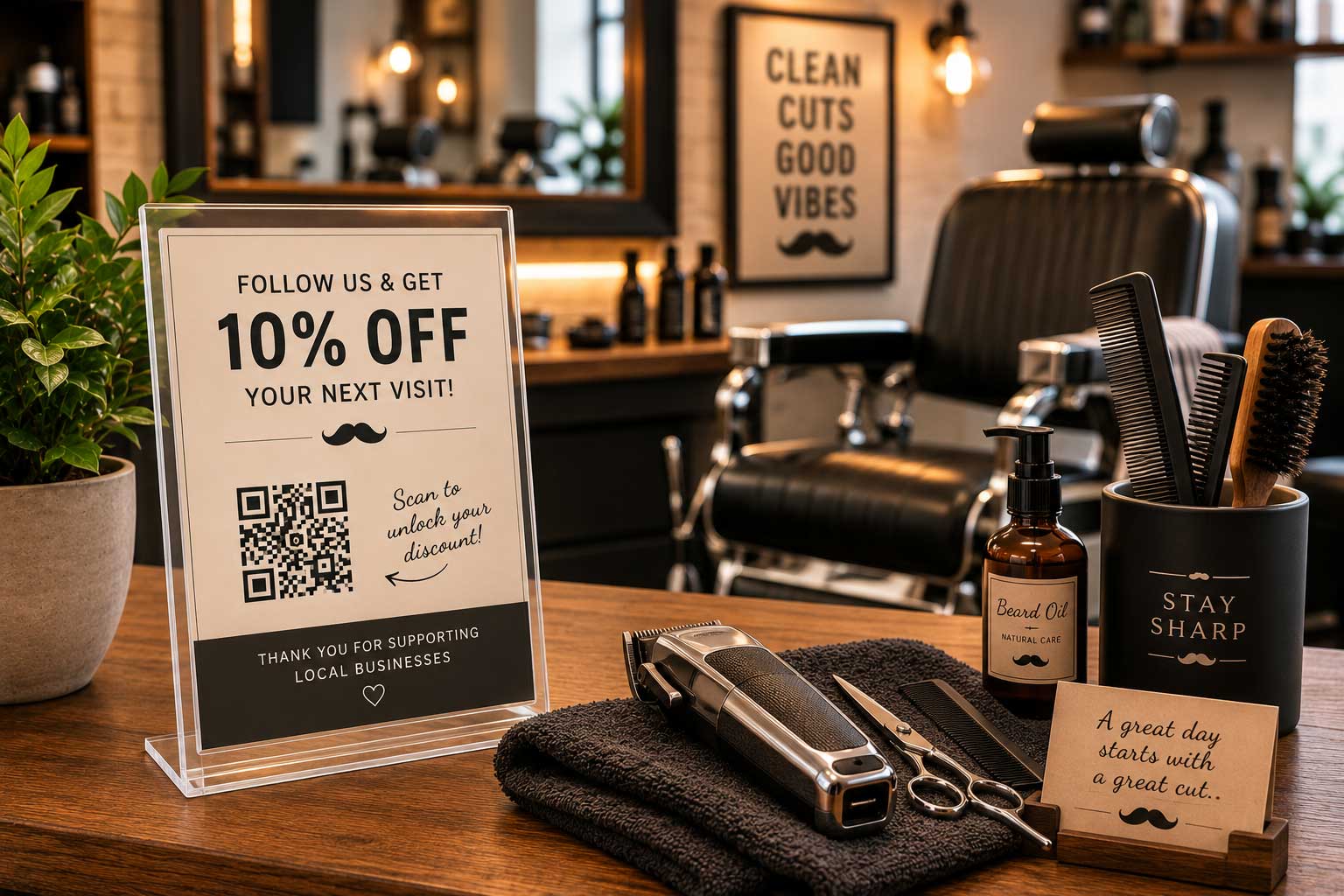
Barber shop marketing works best when potential clients can quickly understand the offer, see the quality of your work, and take a clear next step toward booking.
A promotion does not need to include a large discount. A first-visit promo code, a small service upgrade, or a direct booking opportunity can give someone a practical reason to choose your shop.
With Thriftero, you can create a promotion that reveals a promo code, service benefit, or booking link after the visitor submits their name and email address or uses a social media promotion.
Reveal a discount promo code for a first haircut
A simple welcome offer can help turn someone who has been viewing your cuts online into a first-time client. The discount should be clear, easy to redeem, and connected to an eligible service.
New clients submit their name and email address to reveal the promo code FIRSTCUT5, which they can enter when booking or show at the barber shop.
Why this works
Someone may already like your work but still need a reason to try a new barber. A modest first-visit discount gives that person a specific reason to make an appointment.
Create a first-haircut promo code promotion
- Choose the haircut or grooming services that qualify.
- Create a unique promo code, such as FIRSTCUT5.
- Decide whether the promotion requires a minimum service price.
- Set an expiration date and limit the offer to new clients.
- Create a new promotion in Thriftero.
- Enable the email gate so visitors submit their name and email address before seeing the code.
- Add the promo code and redemption instructions as the unlocked benefit.
- Copy your Thriftero promotion link and share it through Instagram, Facebook, your website, email, paid ads, and WhatsApp.
Suggested promotion setup
- Promotion title
- Unlock $5 Off Your First Haircut
- Visitor action
- Submit their name and email address
- Unlocked benefit
- Promo code FIRSTCUT5
- How to redeem
- Enter the code when booking or show it at the shop
- Example terms
- New clients only, one use per client, valid on eligible services
Offer a free service upgrade with an eligible haircut
A small add-on can feel more valuable than a basic discount while keeping the promotion connected to a paid appointment.
Visitors complete the selected action to reveal a promo code or offer screen that adds a selected grooming upgrade to a qualifying service.
Why this works
The client receives a visible benefit, while the shop maintains the value of the main haircut. The offer can also introduce clients to an additional service they may choose again later.
Reveal a barber service upgrade
- Choose an upgrade with a predictable cost and service time.
- Define which haircuts or service combinations qualify.
- Decide whether the offer includes a neck cleanup, hot towel, simple beard cleanup, shampoo, or another selected add-on.
- Create a promotion in Thriftero.
- Use an email gate or a social media promotion before revealing the benefit.
- Add the promo code, offer image, or redemption instructions as the unlocked benefit.
- Share the promotion link through haircut posts, Stories, Reels, your website, email, paid ads, and WhatsApp.
Suggested promotion setup
- Promotion title
- Free Neck Cleanup With an Eligible Haircut
- Visitor action
- Submit an email address or follow a social media account
- Unlocked benefit
- Promo code or offer-redemption screen
- How to redeem
- Mention the offer when booking or show it at the shop
- Example terms
- Valid with selected haircut services, appointment may be required, one use per client
Promote a featured service through a booking link
A haircut photo or transformation video can attract attention, but potential clients still need a simple way to book the correct service. A promotion can reveal the direct booking page for a fade, haircut and beard package, kids haircut, or other featured service.
Visitors unlock a direct appointment link for a selected grooming package offered by your barber shop.
Why this works
The promotion connects visual interest with an immediate action. Instead of asking the visitor to search through your service menu, the unlocked benefit sends them directly to the relevant booking page.
Reveal your appointment-booking link
- Choose the haircut, package, or barber service you want to feature.
- Create or identify the direct booking page for that service.
- Clearly explain the service price, approximate appointment time, barber availability, and what the service includes.
- Create a promotion in Thriftero.
- Use a social media promotion, or enable the email gate when you also want to collect the visitor's name and email address.
- Add the public appointment page as the unlocked benefit.
- Share the promotion link beside photos and videos of the featured service.
Suggested promotion setup
- Promotion title
- Book Our Haircut and Beard Package
- Visitor action
- Submit an email address or follow a social media account
- Unlocked benefit
- Direct appointment-booking link
- Example terms
- Appointment availability may vary, selected barbers only, final price depends on the booked service
Adapt these offers to your barber shop
The strongest promotion depends on your services, appointment length, pricing, barber availability, and the clients you want to attract.
Classic haircuts
First-haircut promo code, free neck cleanup, or direct booking link.
Fades
New-client discount, selected grooming upgrade, or featured fade booking link.
Beard services
Beard-trim promo code, free hot towel, or haircut-and-beard package link.
Kids haircuts
First-kids-cut discount, family booking offer, or direct appointment link.
Special occasions
Event grooming package, wedding-party booking link, or selected service upgrade.
Returning clients
Next-visit promo code, limited add-on, or early access to busy appointment dates.
Where to share your promotion
Thriftero gives you a public promotion link. It does not automatically distribute the promotion, so the final step is to share that link wherever potential clients already see your barber shop.
- Instagram bio, haircut posts, Stories, and Reels.
- Facebook posts and your business page.
- Your barber shop website and booking page.
- Email messages and appointment follow-ups.
- Local community groups where promotions are permitted.
- Paid advertising.
- WhatsApp messages.
Match the promotion to the content. A fade promotion works well beside a close-up haircut photo, while a first-visit discount should clearly explain which services qualify.
Turn a barber shop offer into a shareable promotion
Thriftero gives you a simple way to place a promo code, service upgrade, booking link, or other benefit behind a promotional page.
Create your promotion.
Add the promo code, service benefit, or booking link.
Use an email gate or a social media promotion.
Copy and share your promotion link.
Thriftero does not automatically publish your promotion or bring clients to your barber shop. It provides the promotional page and exchange mechanism that helps you use attention from your website, social media, advertising, email, and other channels more effectively.
Make the promotion terms clear. Include the expiration date, qualifying services, appointment requirements, redemption method, barber availability, and any other conditions clients need to understand.
Frequently asked questions
What is a good first promotion for a barber shop?
A modest first-haircut discount or a simple service upgrade is usually easy for potential clients to understand and manageable for the shop.
Can Thriftero reveal a barber shop promo code?
Yes. You can add the promo code and its redemption instructions as the benefit revealed after the visitor completes the selected action.
Can I reveal my appointment-booking link?
Yes. You can add a public booking page, service page, consultation form, or other public link as the unlocked benefit.
Does Thriftero verify that someone followed my social media account?
No. Thriftero can direct visitors through a social media promotion, but actions completed on external social platforms are not verified by Thriftero.
Does Thriftero send marketing emails to my clients?
No. Thriftero can collect and store lead information connected to your promotion and make it available for export. Your barber shop is responsible for follow-up communication and for complying with applicable consent, privacy, and anti-spam requirements.
How should clients redeem the offer?
You can ask clients to enter the promo code when booking, mention it when confirming the appointment, or show the unlocked offer at the shop. Explain the method clearly inside the promotion.
Should every promotion include a discount?
No. A service upgrade, featured package, or direct booking opportunity can provide value without reducing the price of the main haircut.
Can I limit the promotion?
Yes. Clearly state any expiration date, qualifying services, appointment restrictions, redemption limit, barber availability, and other conditions that apply.
Where should I share my barber shop promotion?
Copy the public promotion link and share it through Instagram, Facebook, your website, email, paid ads, and WhatsApp.